Booking a Surgery Slot Shouldn't Mean a PDF Form and a Three-Day Wait
External and referring surgeons request an OR slot online — submit, attach documents, track status, get confirmed by email. One clean queue for clinics.
TL;DR
External and referring surgeons usually request operating time by filling in an offline form, emailing it over, and waiting for the clinic to call back. Viali's Surgeon Portal lets them request a surgery slot in minutes, attach documents, track the status, and get confirmed by email — while the operating clinic works from one clean queue.

The problem
A surgeon who operates at a clinic they don't work inside has no easy way to request OR time. It's a printed or PDF form, an email, a phone call, and a wait — with no visibility into whether the request was received, scheduled, or needs changing. For the clinic, requests arrive in inboxes with missing details and no priority.
How Viali solves it for the surgeon
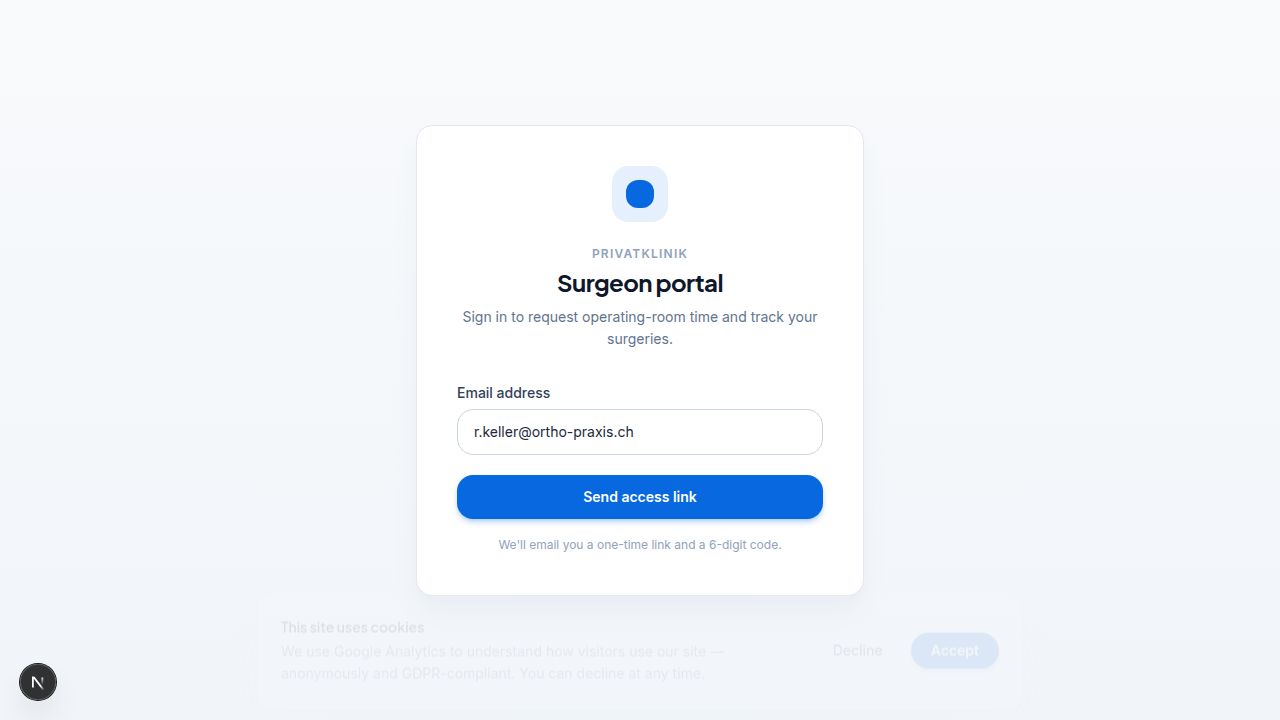
- Secure access by email — no password. The surgeon enters their email and gets a one-time login link or a 6-digit code; the session stays active, so returning is instant.
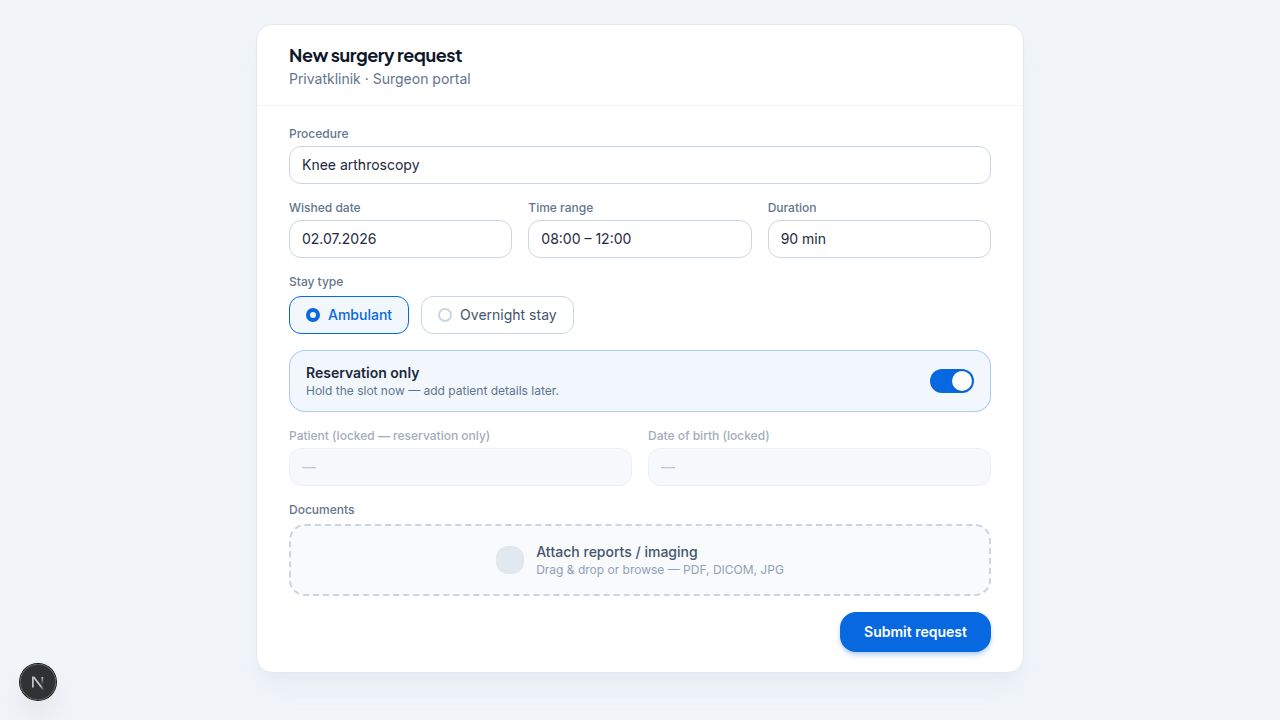
- Submit a full surgery request in one form: procedure, wished date and optional time range, duration, ambulant or overnight stay, surgery side and positioning, and clinical notes.
- Reserve a slot without patient details using a "reservation-only" option, then add the patient later.
- Attach supporting documents (imaging, reports) directly to the request.
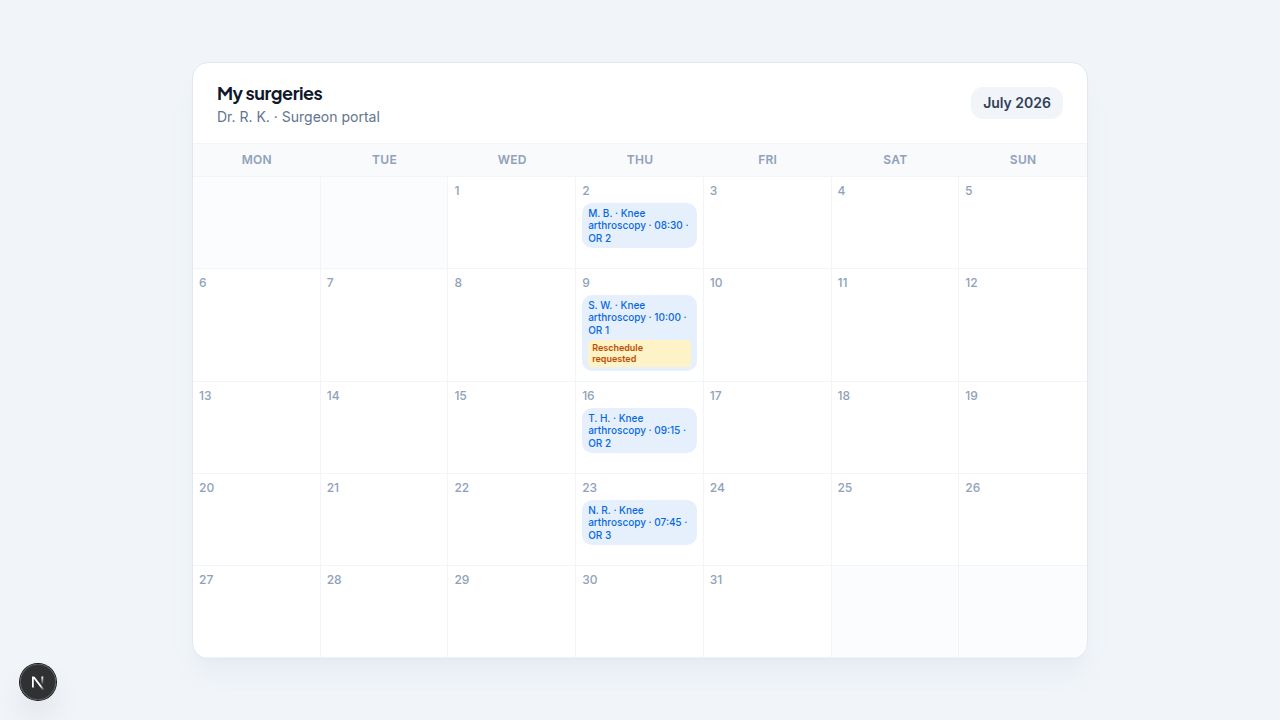
- See their own scheduled surgeries in a month calendar, and request a reschedule or cancellation when plans change.
- Closed clinic dates are blocked, so requests never land on a day the clinic isn't operating.
How it works for the operating clinic
- Requests arrive in a single queue instead of scattered emails.
- Each request shows the wished date/time, surgeon, and an ambulant-eligibility indicator to help prioritise.
- The clinic accepts by linking or creating the patient, assigning a room, and setting the confirmed date — which can differ from the wished date.
- The surgeon is notified by email on confirmation (showing requested vs. scheduled date), and by email/SMS if a request is declined, with a reason.
- Uploaded documents move onto the patient record automatically once the surgery is scheduled.
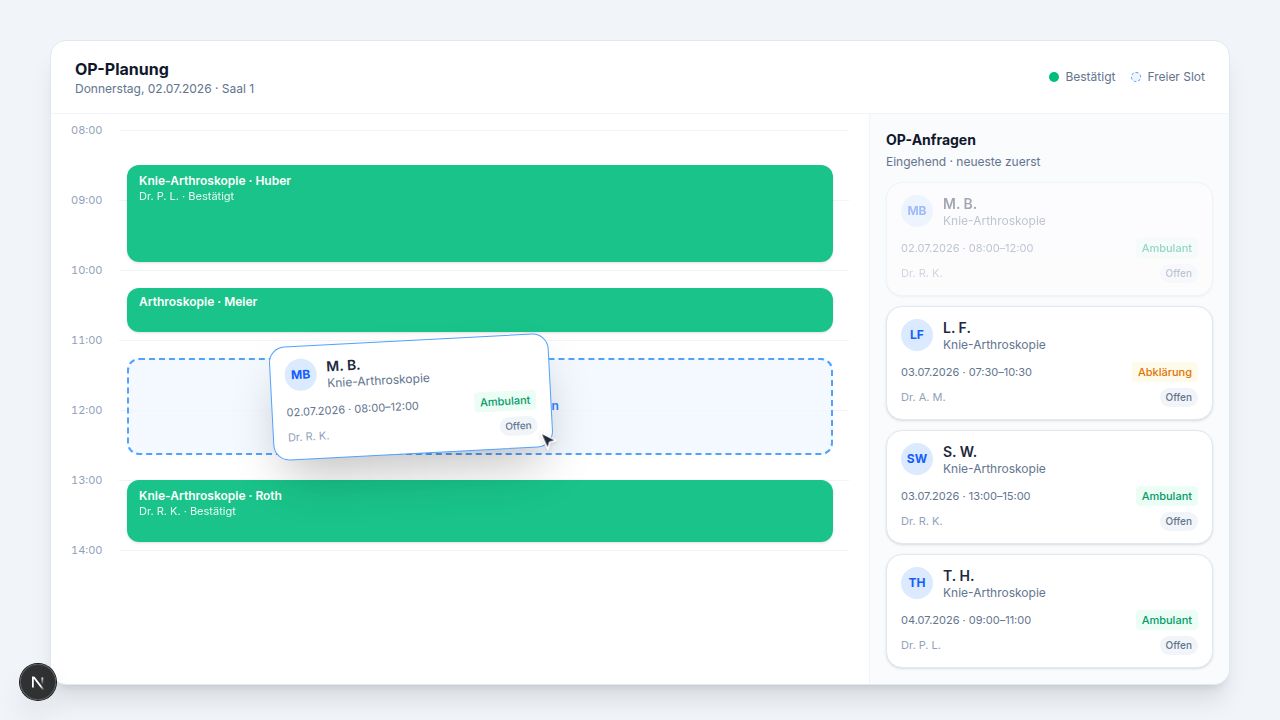
The best part: incoming requests open in a panel right next to the OR day calendar. The team sees the current free slots and the pending requests side by side, and schedules a case with a simple drag and drop — pull a request straight onto an open slot and it's planned.
Built for group practices, too
Surgeon practices (Praxis groups) can run one portal account and submit requests on behalf of their individual surgeons. The practice coordinator is copied on confirmations, while each surgeon still sees only their own cases.
Why it matters
The portal turns a slow, paper-and-phone hand-off into a tracked, self-service request — fewer missed details for the clinic, and real visibility for the surgeon.
Frequently asked questions
How do external surgeons log in?
By email: they receive a one-time link or a 6-digit code, no password needed.
Can a surgeon reserve a slot before they have patient details?
Yes, with a reservation-only option; patient details can be added later.
Does the surgeon see the clinic's live availability?
They submit a wished date and time range; the clinic confirms a date, which may differ from the request.
Can the surgeon attach documents?
Yes; supporting files move onto the patient record once the surgery is scheduled.
Will the surgeon be notified of the outcome?
Yes: an email on confirmation, and an email/SMS with a reason if declined.
Can a group practice submit on behalf of several surgeons?
Yes; a Praxis account can submit for its surgeons, with the coordinator copied on confirmations.
*Run a clinic? Open your surgeon portal and give referring surgeons a faster way to book — see how patient and surgeon booking works. A referring surgeon? Get in touch and we'll connect you with the clinics already using Viali.*
Related articles
Product · Clinical
Perioperative Risk, in Plain Sight
Patient safety is the first principle of anesthesia. Viali's new risk grade brings it to the surface of the daily workflow — and keeps it there, from pre-op through PACU.
Case Study
From Disconnected Tools to One Integrated Clinic — Privatklinik Kreuzlingen
Step by step: how we replaced a WIX website, isolated booking system, Excel OR schedule, paper anaesthesia documentation and blind ad spend with one fully integrated platform — complete with digital appointments, real-time intraoperative documentation, automatic inventory deduction and full funnel attribution down to the paid surgery.
Clinic Operations
A Busy Clinic Is Not Always an Efficient Clinic
Phones are ringing. Appointments are moving. Staff are multitasking. From the outside, everything looks smooth. But busyness is not the same as efficiency — and that difference costs clinics every single day.
Ready to experience this yourself?
Book a demo and see how Viali transforms your clinic operations.